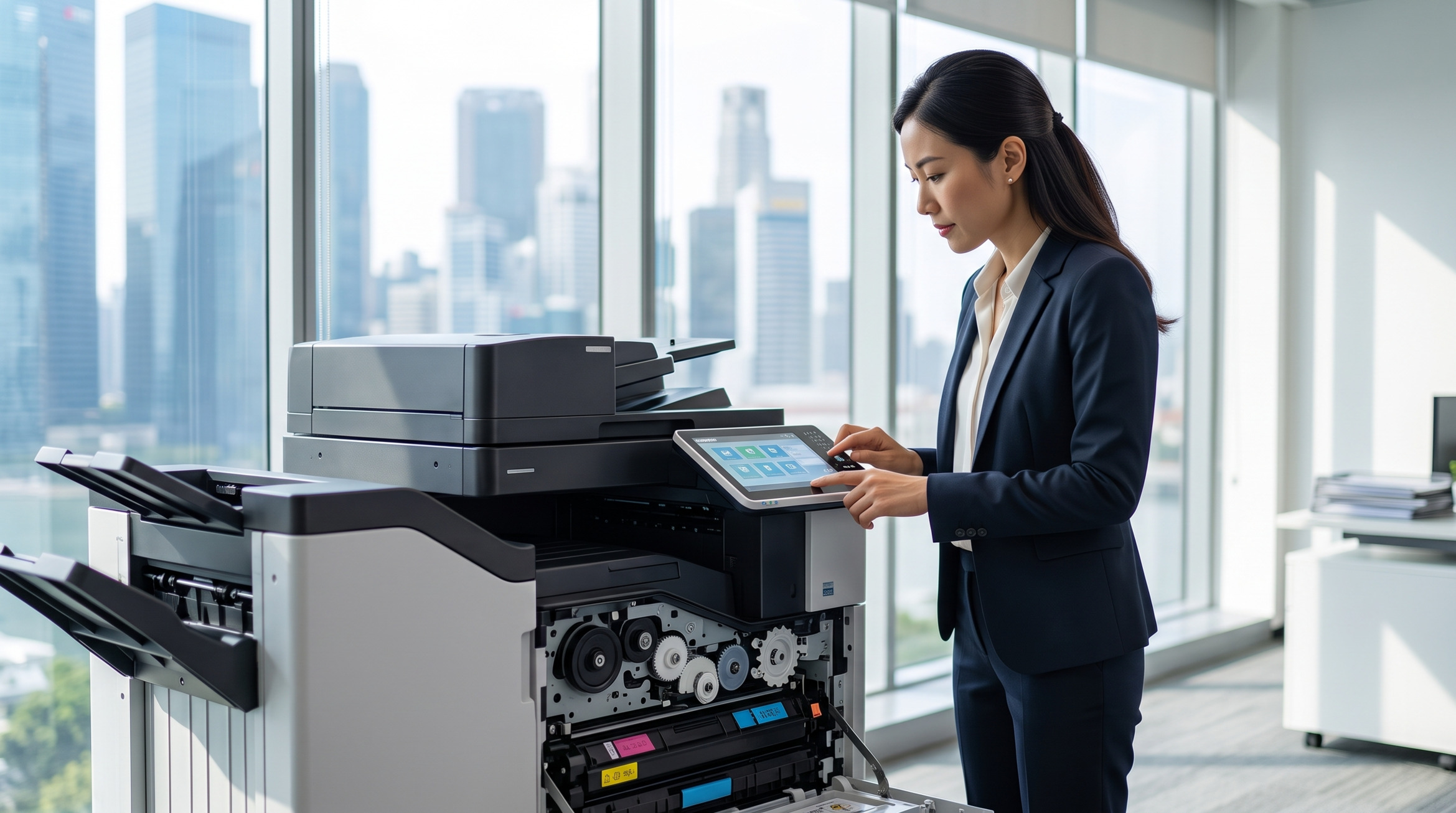
A3 colour printers are the heavy-duty workhorses of modern offices, handling everything from large-format financial spreadsheets and architectural plans to vibrant marketing collateral. However, when these complex machines experience issues like alignment drift, color shifting, or persistent paper jams, it can instantly bottleneck your entire team's productivity.
For office administrators and IT staff, knowing how to confidently diagnose and resolve these common hardware quirks in-house can save valuable time and prevent minor glitches from turning into costly downtime. This diagnostic guide will walk you through the most frequent A3 printer malfunctions and provide actionable, step-by-step advice to get your equipment back online swiftly and safely.
1. Correcting Multi-Format Alignment Errors
- The Issue: When printing across multiple paper sizes (switching between standard A4 and large-format A3), you might notice margins becoming skewed, text cutting off near the edges, or the entire print area drifting off-center.
- Diagnostic Steps: Misalignment often occurs when the physical paper guides are loose or the software settings fail to match the loaded media. First, open the paper trays and ensure the physical sizing guides are snugly locked against the edges of the A3 stack without bending the paper. Next, check that the correct paper size is selected in the tray settings on the machine's control panel — a mismatch between the loaded paper and the tray configuration is one of the most common causes of offset printing. If margins remain skewed after confirming the guides and tray settings, run the automatic registration correction from the machine's maintenance or admin menu. This built-in calibration process adjusts the internal alignment of the imaging system without any manual input. For the exact menu path on your specific model, refer to your machine's user guide or contact your service provider.
2. Fixing Color Shifting and Calibration Issues
- The Issue: You are experiencing "color shifting" (where the Cyan, Magenta, Yellow, and Key/Black layers do not overlap perfectly, creating a blurry or "3D" effect on text) or seeing faded banding across vibrant graphics.
- Diagnostic Steps: This is a standard maintenance issue for any high-usage a3 colour printer singapore. It typically stems from environmental changes, such as humidity fluctuations, or a laser scanning unit that requires cleaning. Start by running an "Auto Color Registration" or "Color Calibration" from your printer's maintenance menu. If the banding persists, gently wipe the LED print heads with the manufacturer-supplied cleaning rod. Additionally, ensure you are using genuine toner, as third-party powders often fuse at incorrect temperatures, leading to washed-out or misaligned colors.
3. Resolving Persistent Paper Handling Jams
- The Issue: The printer constantly stops mid-job, beeping with an error code indicating a paper jam, often wrinkling or tearing the large A3 sheets as they feed through the internal rollers.
- Diagnostic Steps: A3 paper has a larger surface area and is highly susceptible to moisture curling and static. Always fan the paper stack before loading it to eliminate static cling and separate the sheets. When a jam does occur, closely follow the on-screen diagram to open the correct access doors. Pull the paper gently in the direction of the paper path to avoid tearing it. Crucial warning: Never touch the transfer belt (the black, film-like belt inside the side door), as the natural oils from your fingers will cause permanent image defects that are expensive to fix.
When to Escalate to a Professional Support Engineer
While clearing standard paper jams and running software calibrations can easily be handled in-house, some symptoms point to deeper mechanical failures. If you notice any of the following red flags, it is time to stop DIY troubleshooting to avoid voiding your warranty or permanently damaging expensive internal components:
- Hard Error Codes: Recurring alphanumeric error codes on the display panel that refuse to clear even after a standard power cycle.
- Scratched Imaging Drums: If you see consistent, perfectly straight black or colored lines running down the exact same spot on every single page, this strongly indicates a scratched imaging drum or a failing fuser unit.
- Torn Paper Fragments: If a piece of paper tears deep inside the high-temperature fusing unit and cannot be reached without using tools, forcing it out will permanently damage the machine's rollers.
In these specific scenarios, escalating the issue to a certified provider for fujifilm printer repair singapore is the safest and most cost-effective solution to minimize office disruption.
Ultimately, a proactive approach to in-house troubleshooting can resolve minor alignment and color calibration issues in minutes, keeping your document workflow uninterrupted. However, when complex mechanical faults arise, relying on expert copier repair singapore ensures your valuable equipment is handled with the precision and care it requires.
Experiencing an unresolvable printer issue? Don't let machine downtime bottleneck your office operations. Contact ASC's dedicated technical support team today for rapid, reliable, and professional servicing.
🏢 Address: 10 Upper Aljunied Link, #07-07, Singapore 367904
📞 Tel: +65 6291 3133
🌐 Website: https://www.asc-svc.com/contact
References
- Fujifilm Business Innovation - Paper Jams (Main Unit)
- Fujifilm Business Innovation — User Guides & Support: Official documentation and troubleshooting procedures for Fujifilm commercial MFPs.
