Innex Connect Pro Button
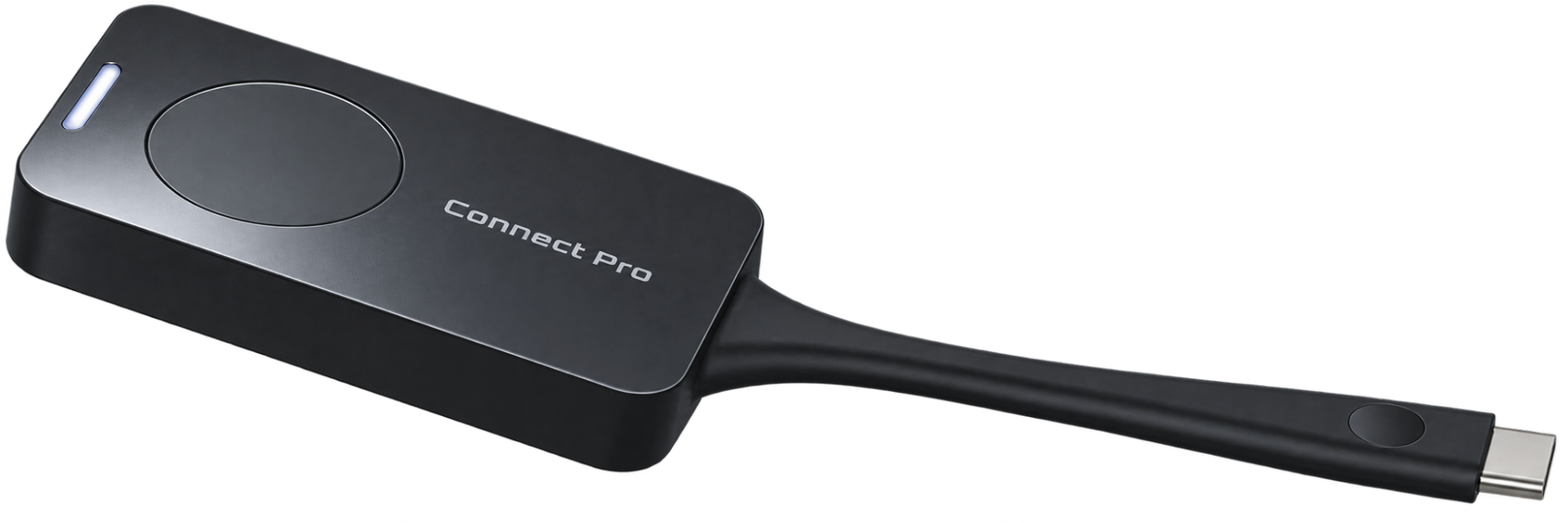
Overview
Make wireless presentations simple with the Innex Connect Pro Button. Designed to work seamlessly with Innex Connect Pro+, the plug-and-play button allows users to share their laptop screen wirelessly to the meeting room display with just a press of a button.
Simply connect the button to your laptop via USB-C and start presenting without complicated setup, additional software or messy cables.
Key Features
- One-Touch Wireless Presentation – Start or stop sharing your screen with a simple press of the Connect Pro Button.
- Plug & Play – Connect the button directly to a compatible USB-C port for quick and convenient wireless presentation.
- No Software Installation Required – Present without having to download or install additional applications on your laptop.
- Seamless Connect Pro+ Integration – Designed specifically to work with the Innex Connect Pro+ wireless presentation and BYOM system.
- Quick Switching Between Presenters – Multiple Connect Pro Buttons can be used in the same meeting environment, making it easy for different participants to take turns presenting.
- Compact & Portable – The lightweight design makes the Connect Pro Button easy to keep in the meeting room or carry between meeting spaces.
Brochure
Innex Connect Pro Button
File Size: 1.32 MB
Document Type: pdf Format

