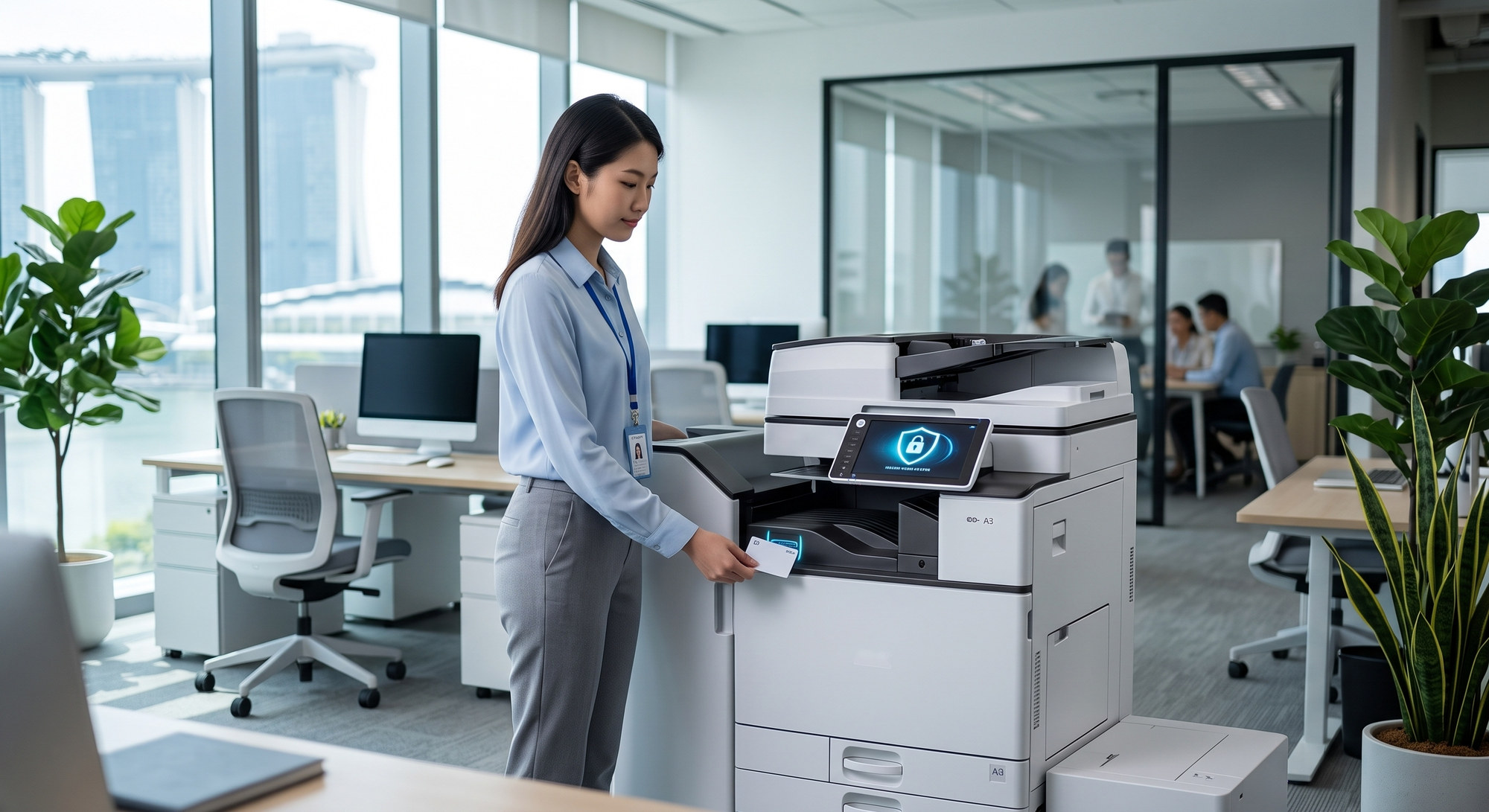
As corporate workflows become more distributed, the office printer is no longer just a peripheral. It is a networked device that processes large volumes of sensitive financial, legal and personal data. Yet many organisations still leave print infrastructure out of their cybersecurity planning, creating gaps that attackers or careless insiders can exploit.
Under Singapore's Personal Data Protection Act (PDPA) and global frameworks such as GDPR, an unsecured printer is a real liability. Leading manufacturers have responded. A modern Fujifilm copier can include multiple layers of protection, from encryption to user authentication, helping keep intellectual property and client information secure from the moment a file is sent to the moment the printout is collected. The exact features available depend on the model and configuration, so it is worth confirming them before you buy.
1. Storage Encryption and TPM 2.0
Every document scanned, copied or printed on a multifunction device may be temporarily stored on its internal drive. If that device is stolen, disposed of incorrectly or compromised, any cached data could be exposed.
To address this, many current Fujifilm Apeos models use a Trusted Platform Module (TPM 2.0), a dedicated security chip that protects encryption keys at the hardware level. Combined with storage encryption, this means data on an extracted drive cannot simply be read on another system. Data in transit across your network can also be protected with standard protocols such as SSL/TLS and IPsec, depending on how the device is configured. Fujifilm's Apeos Security Whitepaper details these protections.
2. Automated Storage Overwrite
Encryption protects data at rest, but the safest data is data that no longer exists. Leaving old job data in a printer's storage creates unnecessary long-term risk, especially for devices handling confidential legal or medical records.
Supported Fujifilm Apeos and ApeosPort models offer a storage overwrite function. After a print, scan or copy job is completed, the device can overwrite the area where the temporary job data was held. Administrators can choose the overwrite method in the device settings, reducing the chance that a document could be recovered later. Secure data erasure is also important when equipment reaches end of life, for example during a trade-in or buyback.
3. Secure Print Release and IC Card Authentication
One of the most common causes of document leaks is simple: confidential printouts left uncollected in the output tray for anyone to read or pick up by mistake.
Secure print release solves this. Instead of printing immediately, the job is held until the authorised user arrives at the device and confirms their identity. Depending on the model and the print management solution in use, this can be done through:
- IC card authentication: Staff tap their existing employee ID or access card on a card reader.
- PIN codes: Users enter a personal PIN on the device's touchscreen.
- Directory integration: Devices and print management platforms such as PaperCut can connect to LDAP or Microsoft Entra ID (formerly Azure Active Directory), so IT can manage access permissions and keep audit logs for each user.
Certified Security You Can Verify
Upgrading office equipment is no longer only about print speed; it is also about strengthening your network perimeter. Many Fujifilm multifunction devices have been evaluated under ISO/IEC 15408 (Common Criteria), the international standard for IT security evaluation. Certification applies to specific models and configurations, so ask your supplier for the certification status of the model you are considering. You can find more on Fujifilm's approach on its Security Protections page.
Security is just one part of choosing the right machine. Our guide to vetting copier specifications for corporate workspaces covers the other features to compare.
Frequently Asked Questions
Do office copiers store copies of documents?
Many multifunction devices temporarily store job data on internal storage while processing. Features such as storage encryption and storage overwrite, available on supported Fujifilm models, help protect and remove that data.
How does a secure printer help with PDPA compliance?
The PDPA requires organisations to make reasonable security arrangements to protect personal data. Secure print release, user authentication, encryption and audit logs help reduce the risk of personal data being exposed through printed or stored documents.
Are all these security features standard on every Fujifilm copier?
No. Security features vary by model, configuration and optional software. Check the product specifications or speak to an authorised dealer to confirm what is included.
Is your current print infrastructure leaving corporate data exposed? Explore our range of secure Fujifilm multifunction printers, or contact our team to review the security settings of your existing fleet.
🏢 Address: 10 Upper Aljunied Link, #07-07, Singapore 367904
📞 Tel: +65 6291 3133
🌐 Website: https://www.asc-svc.com/contact
References
- Fujifilm Business Innovation – Apeos Security Whitepaper: A technical overview of Apeos security features, including TPM 2.0 encryption, IC card authentication and data overwrite. URL: https://office.fujifilmprint.eu/wp-content/uploads/2024/07/Apeos-Security-Whitepaper-2024.pdf
- Fujifilm Singapore – Security Protections: Fujifilm's overview of device, document and network security. URL: https://www.fujifilm.com/sg/en/business/security
- PDPC Singapore – Personal Data Protection Act: Official overview of Singapore's data protection legislation. URL: https://www.pdpc.gov.sg/overview-of-pdpa/the-legislation/personal-data-protection-act
