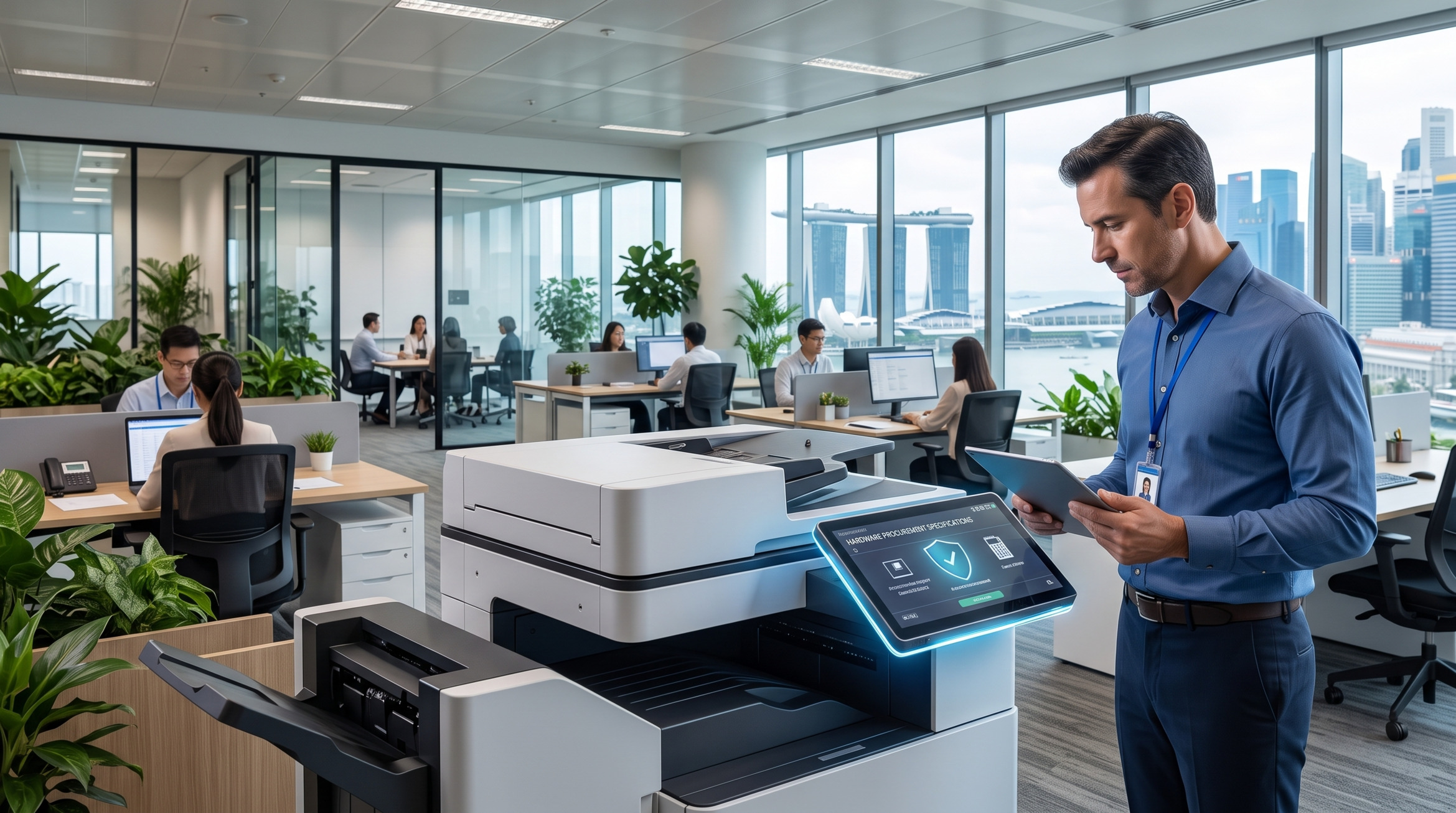
For modern office managers and procurement teams, drafting a hardware procurement brief has evolved significantly over the past few years. It is no longer sufficient to simply look at Pages Per Minute (PPM) and toner yields. Today’s corporate workspaces in Singapore operate on highly dynamic, hybrid models that demand seamless digital integration, robust data security, and intelligent document routing.
When vetting the hardware that will serve as the informational hub of your office, focusing on smart, future-proof specifications is critical. Selecting the wrong equipment can lead to IT bottlenecks, frustrated remote workers, and severe security vulnerabilities. To ensure your investment truly supports your operational goals, here are the essential modern specifications you must evaluate before making a procurement decision.
1. Hybrid Cloud Integrations
- Direct Cloud Access: As businesses migrate their data to the cloud, your print infrastructure should follow suit. When compiling your procurement brief, look for models that support native integrations with enterprise cloud platforms such as Microsoft SharePoint, OneDrive, Google Drive, or Dropbox. The availability and range of supported cloud connectors vary by model and configuration, so it is important to confirm compatibility with your preferred platform during the evaluation stage. On supported devices, employees can scan documents directly to shared cloud folders, eliminating the tedious, multi-step process of scanning to an email and then downloading the file.
- Serverless Print Management: Traditional print servers require heavy IT maintenance. Modern systems support cloud-based print management solutions (like Printix or PaperCut). This enables "pull printing," where a user can send a document to the cloud and release the print job securely at any authorized machine across different office floors or even different branch locations.
2. Seamless Mobile Printing Capabilities
- BYOD (Bring Your Own Device) Support: The modern workforce is highly mobile, often working from tablets and smartphones rather than just desktop computers. When evaluating a premium multifunction printer singapore, check whether it supports driverless mobile printing protocols such as Apple AirPrint, Mopria Print Service for Android, and native manufacturer apps. Support for these protocols varies by model, so verify this against the specific product datasheet before finalising your brief.
- Guest Network Flexibility: For corporate environments that frequently host clients or external contractors, vetting machines with Wi-Fi Direct capability is worth considering. Where supported, this feature allows guests to connect directly to the printer to output documents without needing access to your secure corporate network, maintaining strict internal cybersecurity. Note that Wi-Fi Direct availability depends on the specific model and may require additional configuration — confirm this with your equipment provider during the evaluation process.
3. Choosing a Smart Multifunction Setup
- Automated Document Workflows: A truly smart copier machine singapore can act as an automated data-entry assistant. When reviewing specifications, look for machines equipped with Single-Pass Duplex Automatic Document Feeders (DADF) and check whether built-in Optical Character Recognition (OCR) is supported on the model you are evaluating. On devices that offer OCR, scanned paper is automatically converted into searchable, editable digital formats (such as searchable PDFs or Microsoft Word documents), saving your administrative team significant time on manual data entry. OCR capabilities and supported output formats may differ between models, so confirm the exact functionality with your provider.
- Modular Finishing Options: When compiling your brief, consider the physical output requirements of your departments. High-end setups offer modular finishing units that handle automatic hole-punching, multi-position stapling, and saddle-stitch booklet making, bringing commercial-grade print production directly in-house.
Beyond speed and connectivity, the underlying operating system of the copier is a vital consideration for enterprise compliance. Under Singapore’s Personal Data Protection Act (PDPA), securing physical and digital documents is legally mandated.
When reviewing specification sheets, prioritize devices that offer enterprise-grade security features. Depending on the model and configuration, these may include hard drive encryption, automatic image overwrite (which erases document data from the machine's memory after a print or scan job is completed), and user authentication via corporate ID cards or PINs. Not every model supports every security feature out of the box, so it is essential to confirm the specific security capabilities available on the device you are evaluating. A well-configured setup not only enhances productivity but acts as a strong safeguard against unauthorized data access.
Ultimately, vetting the right copier specifications means looking past basic printing and viewing the machine as a comprehensive document management hub. By prioritizing cloud integration, mobile accessibility, smart workflow automation, and stringent security, procurement managers can confidently deploy technology that accelerates business growth and adapts to the future of work.
Related reading: Security Measures in Modern Fujifilm Copiers | How to Choose a Reliable Office Equipment Supplier in Singapore
Ready to finalize your hardware procurement brief? Explore our comprehensive range of smart, enterprise-grade printing solutions. Our consultants are ready to help you match the exact specifications your corporate workspace demands.
🏢 Address: 10 Upper Aljunied Link, #07-07, Singapore 367904
📞 Tel: +65 6291 3133
🌐 Website: https://www.asc-svc.com/contact
References
- Quocirca - The Cloud Print Services Landscape: An independent industry report highlighting the critical shift from traditional print servers to cloud-based print infrastructure to support hybrid and mobile workforces.
URL:https://quocirca.com/content/quocirca-cloud-print-services-2022-market-landscape/
